

Task System#
This section documents the reinforcement learning task environments in AGILE. Tasks define the complete training setup for a robot behavior, including the scene, observations, actions, rewards, terminations, and curriculum.
Design Philosophy#
Each task configuration file (*_env_cfg.py) is self-contained: all MDP components
(scene, observations, actions, rewards, terminations, events, curriculum) are composed in a
single file with no inheritance chains between tasks.
The individual MDP term functions (reward functions, observation functions, etc.) live in
a shared library at agile/rl_env/mdp/ and are reused across tasks, since many terms overlap
between different behaviors. Each task config then selects and parameterizes the terms it needs.
This design provides:
Transparency: The complete configuration is visible in one file, with no need to trace through inheritance hierarchies.
Isolation: Changes to one task’s config cannot silently break another.
Reuse: Common MDP terms (e.g., velocity tracking rewards, contact terminations) are shared across tasks without coupling their configurations.
Note
This deviates from Isaac Lab’s inheritance-based approach. In practice, deep inheritance hierarchies made it difficult to track exact MDP configurations and often led to subtle bugs when child modifications affected parent behavior.
Directory Structure#
Every task follows this layout:
tasks/<category>/<robot>/
├── __init__.py            # Registers gym environments (task IDs)
├── *_env_cfg.py           # Self-contained environment configuration
└── agents/
    ├── __init__.py
    └── rsl_rl_ppo_cfg.py  # PPO hyperparameters and runner config
Task categories map to the tasks/ subdirectories: locomotion, locomotion_height,
stand_up, pick_place, and debug.
Task Registration#
Tasks are registered as Gymnasium environments in each robot’s __init__.py. The
top-level tasks/__init__.py imports all category modules, which triggers registration
at import time.
import gymnasium as gym
from . import agents

gym.register(
    id="Velocity-T1-v0",
    entry_point="isaaclab.envs:ManagerBasedRLEnv",
    disable_env_checker=True,
    kwargs={
        "env_cfg_entry_point": f"{__name__}.velocity_env_cfg:T1LowerVelocityEnvCfg",
        "rsl_rl_cfg_entry_point": f"{agents.__name__}.rsl_rl_ppo_cfg:T1VelocityPpoRunnerCfg",
    },
)
The env_cfg_entry_point points to the dataclass that fully describes the environment.
The rsl_rl_cfg_entry_point points to the PPO runner configuration with training hyperparameters.
Available Tasks#
Locomotion#
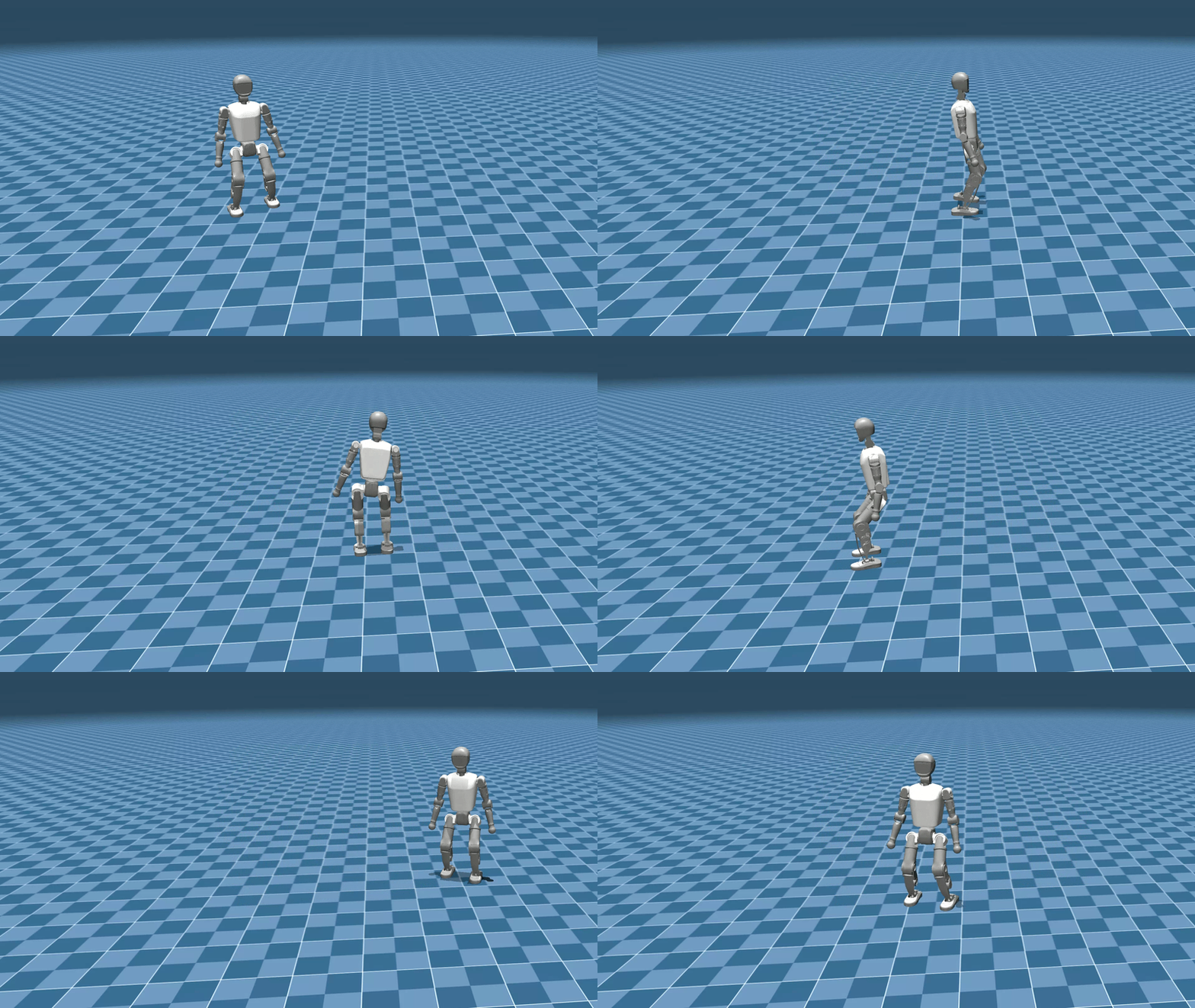
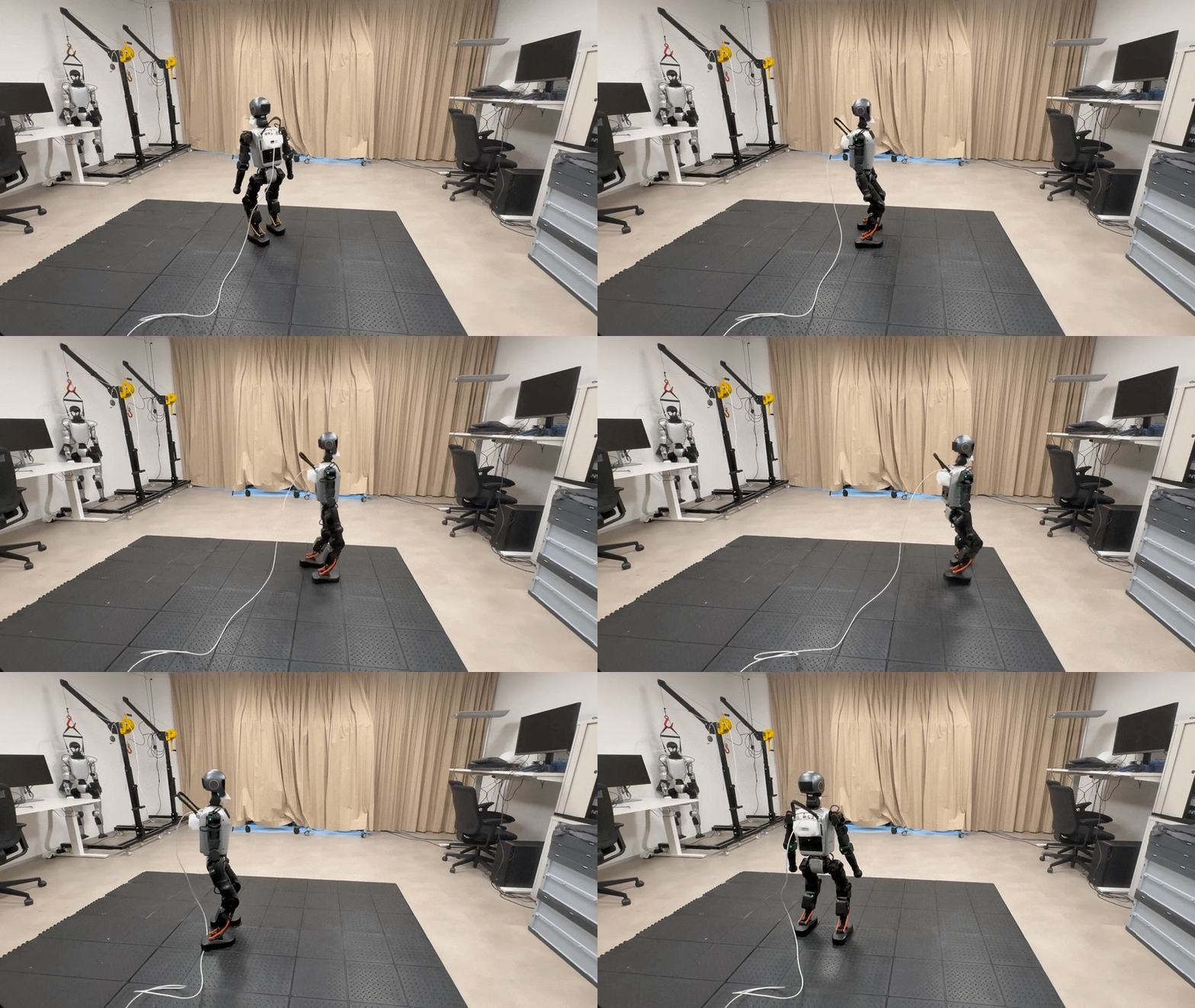
Category: locomotion/ | Behavior: Lower-body velocity tracking on rough terrain
 Sim |
 Real |
| Booster T1 – Velocity Tracking | |
The robot learns to follow commanded linear (x, y) and angular (yaw) velocities using only lower-body joints. These policies serve as the foundation for more complex tasks. For example, the pick & place task freezes a trained locomotion policy and layers upper-body control on top.
Task ID |
Robot |
Controlled Joints |
Commands |
Observations |
|---|---|---|---|---|
|
Booster T1 |
Legs (12 joints) |
Velocity (x, y, yaw) |
History (5 steps) |
|
Unitree G1 |
Legs + Waist Roll/Pitch (14 joints) |
Velocity (x, y, yaw) |
History (5 steps) |
|
Unitree G1 |
Legs + Waist Roll/Pitch (14 joints) |
Velocity (x, y, yaw) |
Privileged teacher observations |
Both robots use the Delayed DC Motor actuator model, which adds realistic communication delay between the policy output and joint actuation.
Tip
The G1 and T1 locomotion environments share nearly identical MDP configurations, differing only in robot-specific joints and links. The G1’s waist roll and pitch joints are included in the lower body controller while the yaw joint remains uncontrolled, matching T1’s degrees of freedom.
Locomotion with Height Commands#
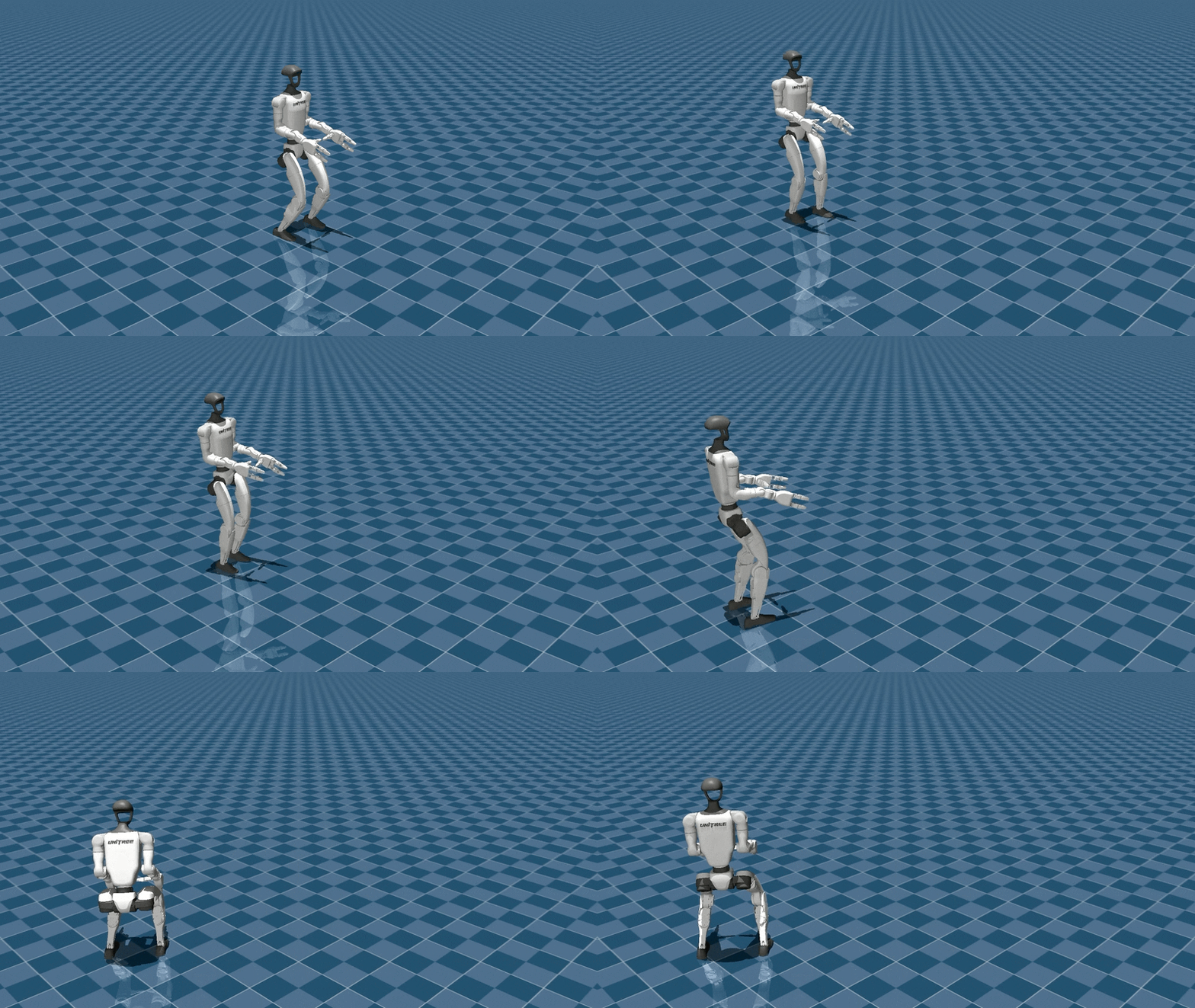
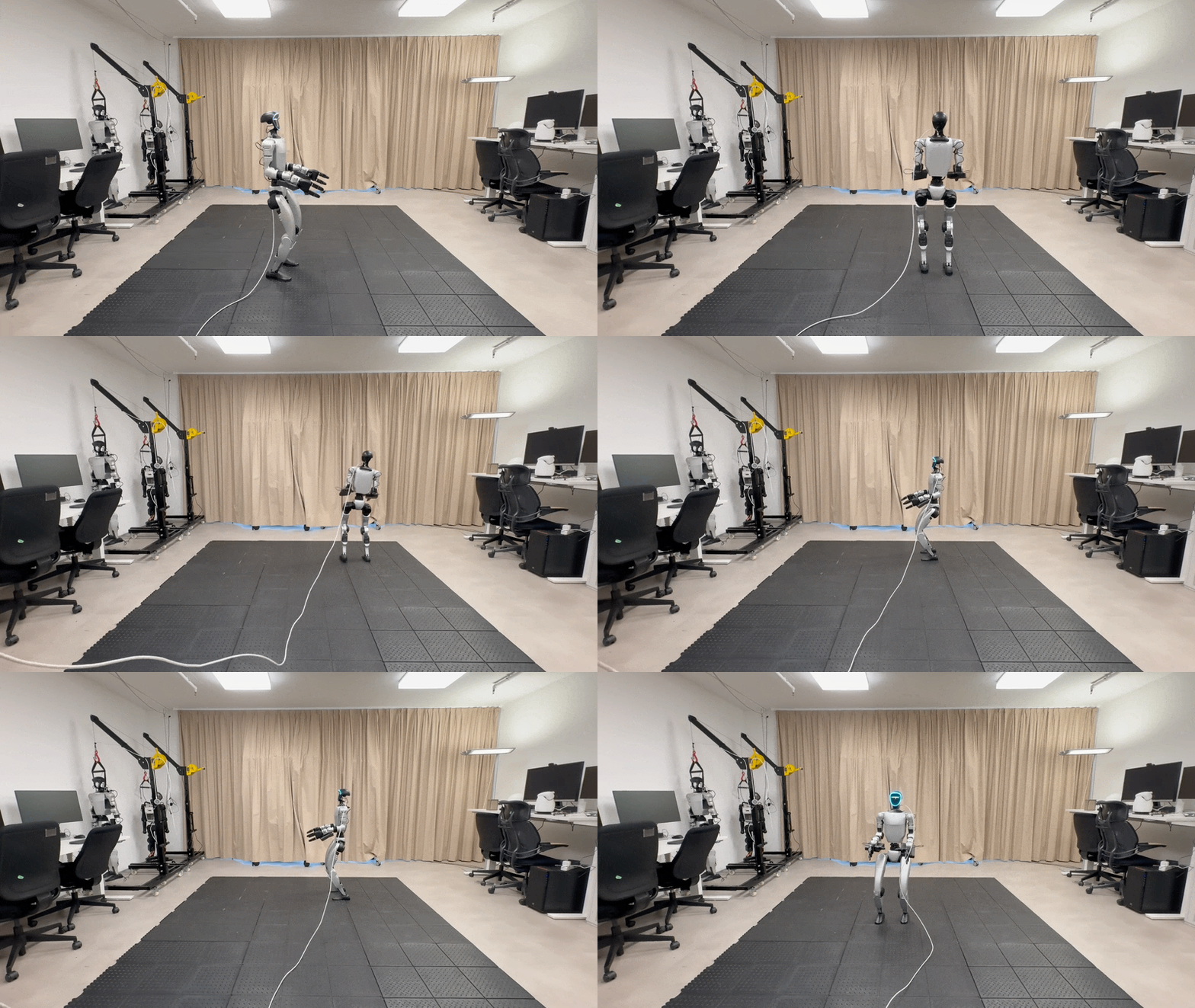
Category: locomotion_height/ | Behavior: Lower-body velocity + height tracking with teacher-student distillation
 Sim |
 Real |
| Unitree G1 – Velocity-Height Tracking | |
Extends velocity tracking with commanded base height. Uses a teacher-student pipeline for sim-to-real transfer:
Teacher: Trained with privileged observations (terrain height scans from ray casters). Powerful but not directly deployable on hardware.
Student: Distilled from the teacher using only observations available on the real robot (joint encoders, IMU). Two architectures: recurrent (LSTM/GRU) for temporal memory, or MLP with history stacking.
Task ID |
Robot |
Policy Type |
Commands |
Actuator Model |
|---|---|---|---|---|
|
Unitree G1 |
Teacher (privileged) |
Velocity + Height |
Delayed DC |
|
Unitree G1 |
Direct history policy |
Velocity + Height |
Delayed DC |
|
Unitree G1 |
Student (LSTM) |
Velocity + Height |
Delayed DC |
|
Unitree G1 |
Student (history) |
Velocity + Height |
Delayed DC |
Note
These tasks control only lower-body joints (legs). The upper body is left free for separate control (e.g., IK-based teleoperation).
Stand Up#
Category: stand_up/ | Behavior: Full-body recovery from arbitrary fallen poses
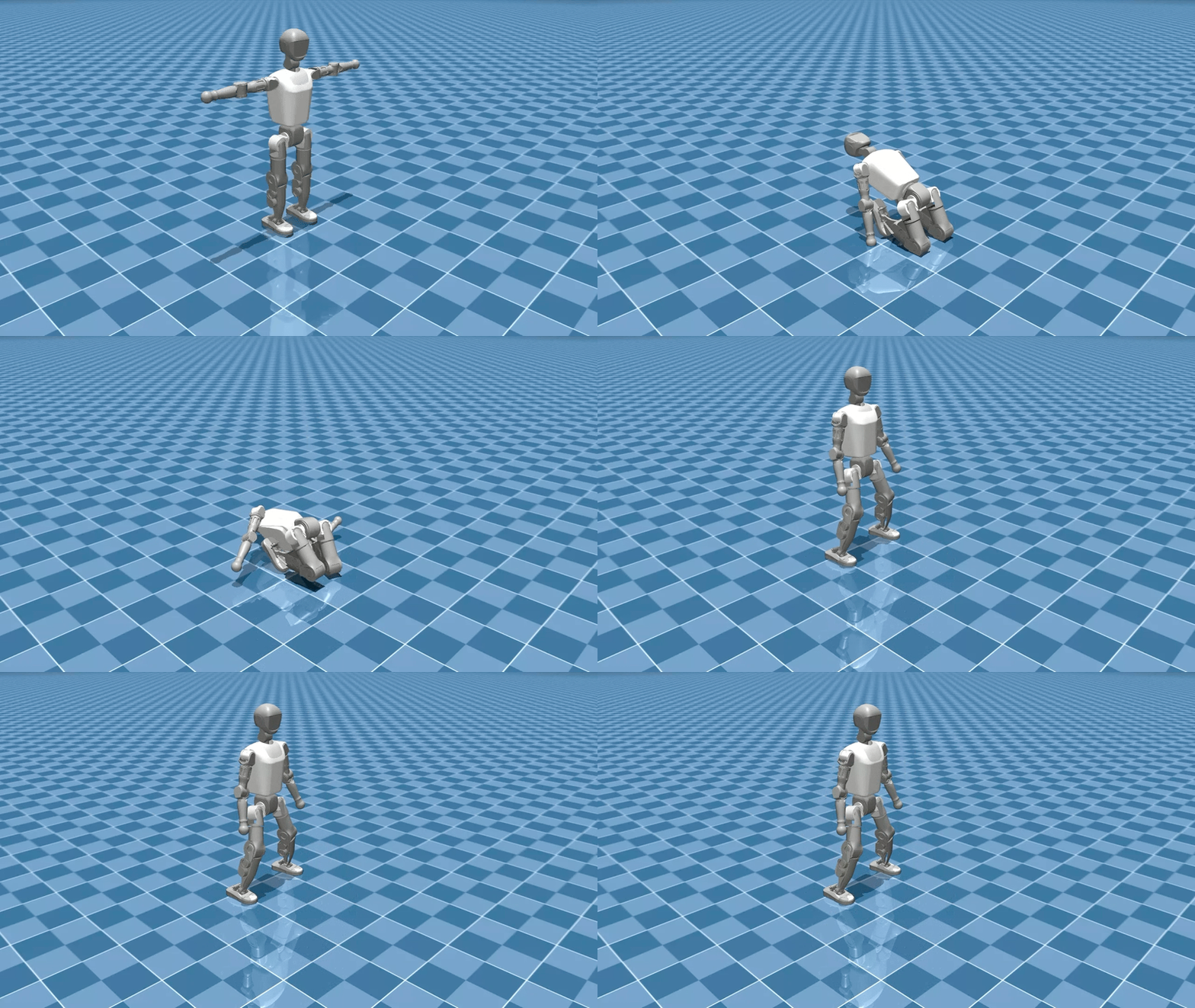 Sim |
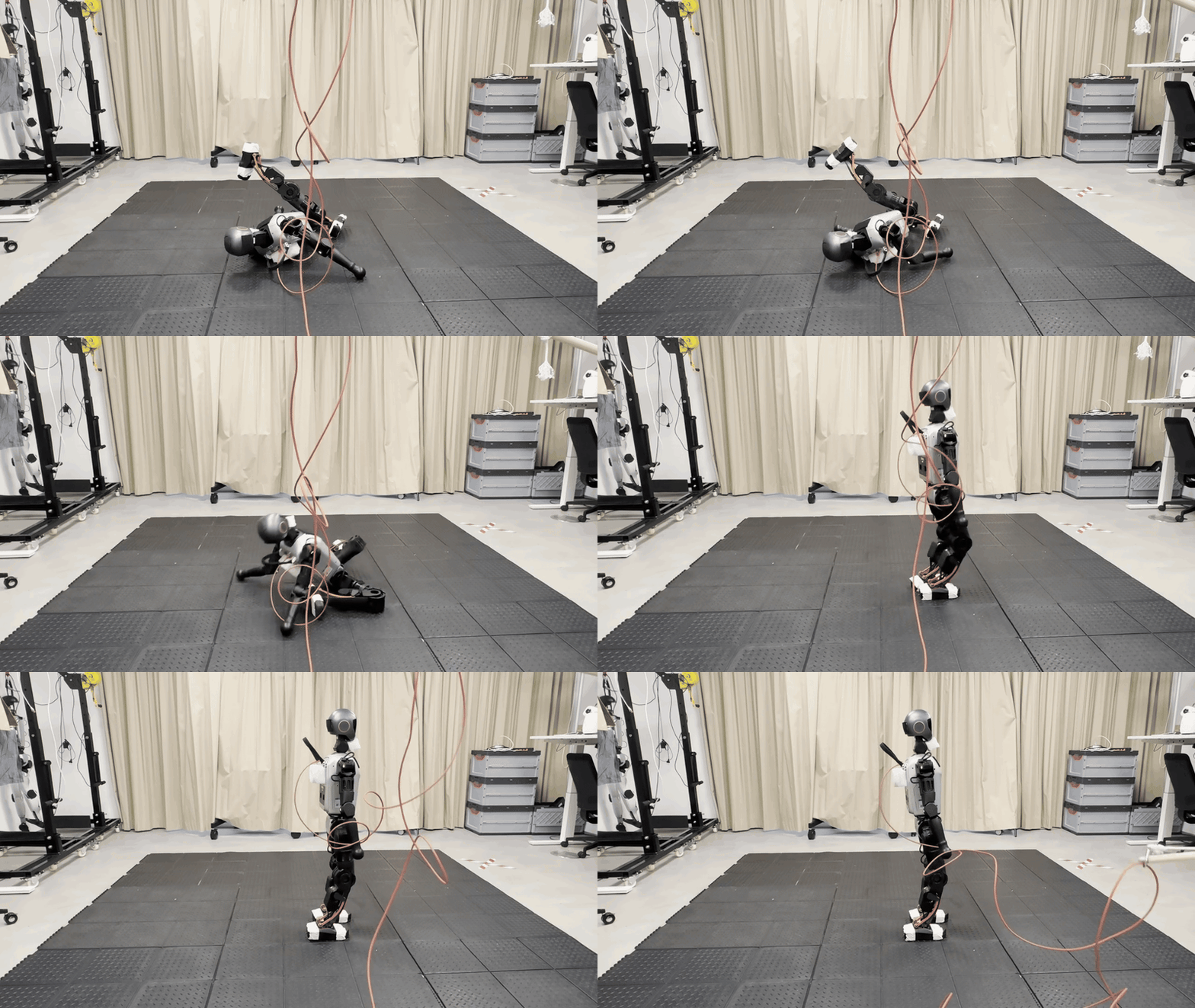 Real |
| Booster T1 – Stand-Up | |
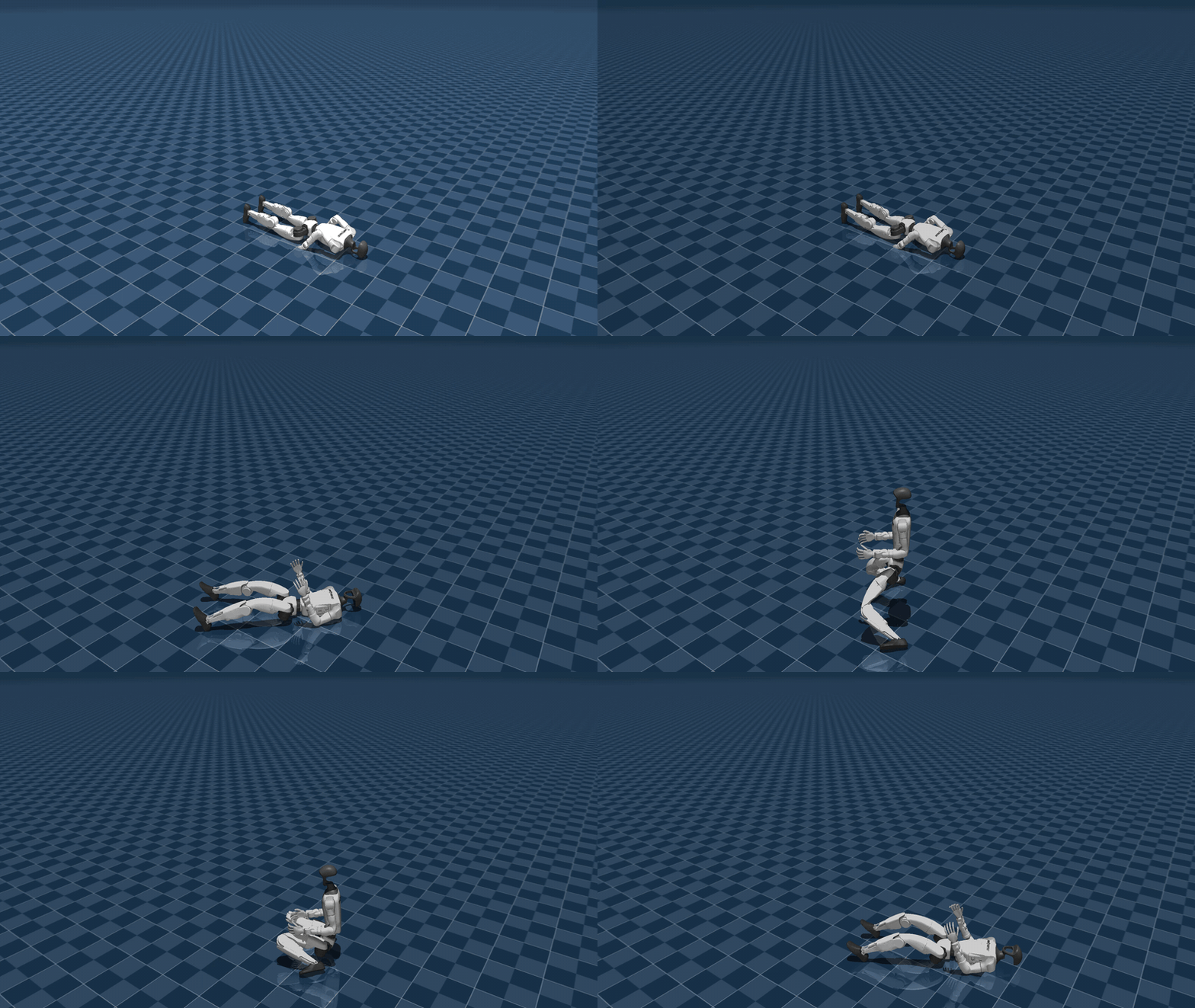 Sim |
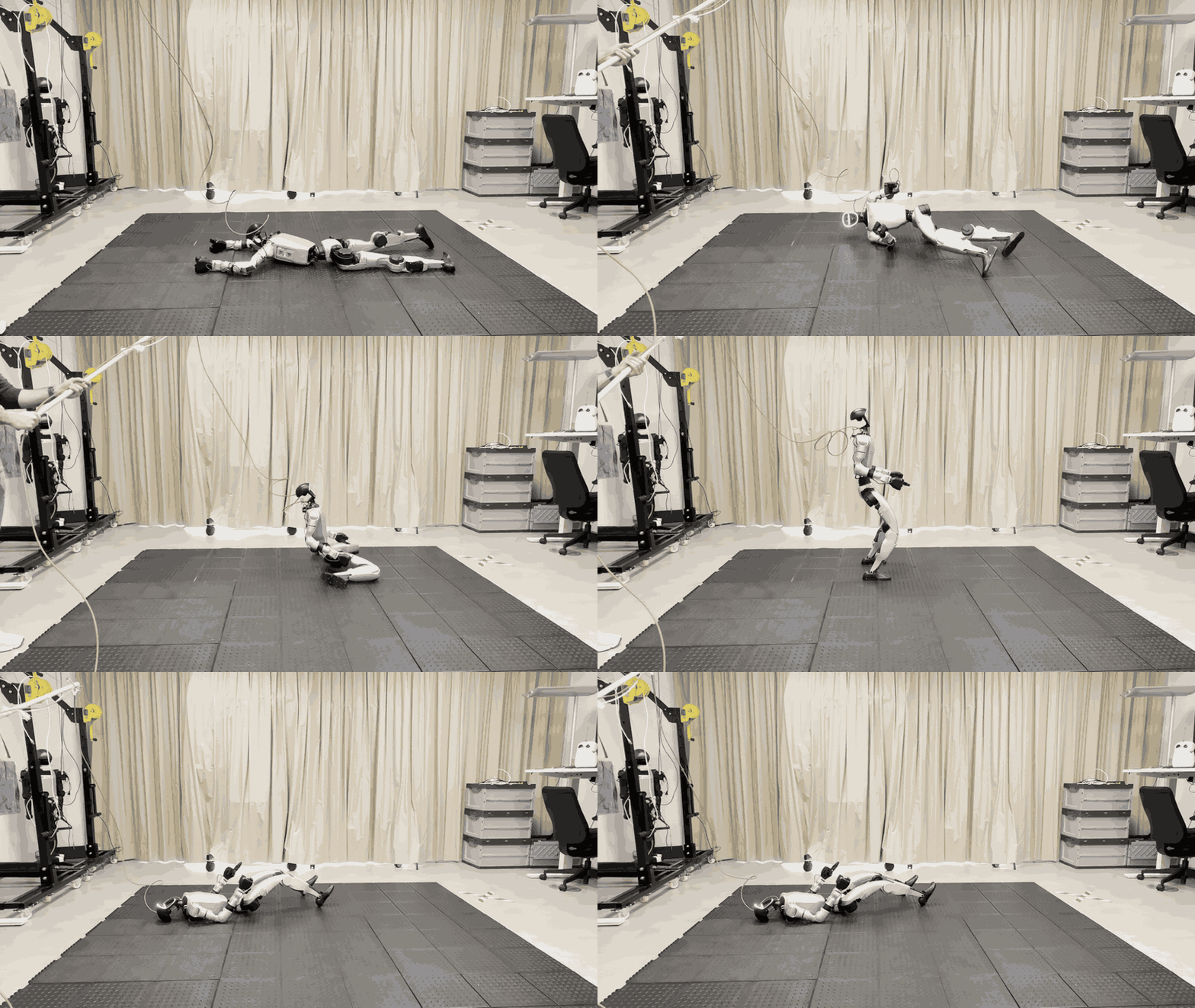 Real |
| Unitree G1 – Sit-Down / Stand-Up | |
The robot learns to stand up from any fallen configuration. This task uses full-body control (all joints) rather than the modular lower/upper split, since coordinated whole-body movements are essential for recovery.
Task ID |
Robot |
Controlled Joints |
Commands |
Observations |
|---|---|---|---|---|
|
Booster T1 |
Full body (all joints) |
None |
History (5 steps) |
Key features:
Pre-collected fallen states: A dataset of fallen robot poses is collected before training starts. Instead of simulating falls at each episode reset (~2s per fall), states are sampled from the dataset for instant resets.
Automatic caching: Fallen states are cached to disk and reused across runs. The cache invalidates when the terrain configuration changes.
Lift action: A virtual lifting mechanism assists the robot during early training, which is gradually removed via curriculum learning.
pre_learnhook: The fallen state collection runs automatically before training begins via a registeredpre_learn_entry_point.
# Configuration in agents/rsl_rl_ppo_cfg.py
fallen_state_dataset_cfg = FallenStateDatasetCfg(
    num_spawns_per_level=2,     # States collected per terrain level
    fall_duration_s=2.5,        # Simulation time for falling
    cache_enabled=True,         # Enable disk caching
)
Pick and Place#
Category: pick_place/ | Behavior: Upper-body trajectory tracking with frozen locomotion
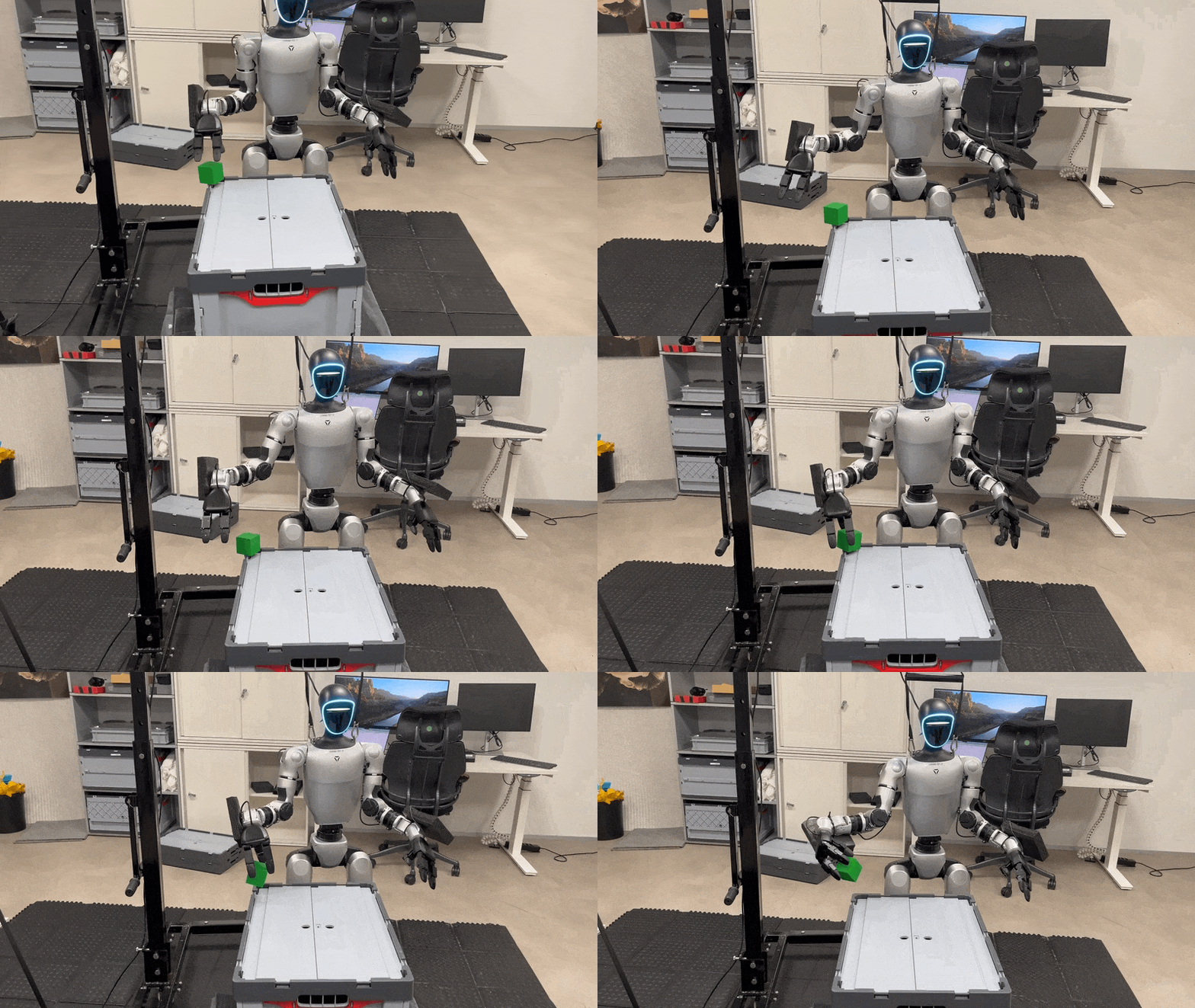 |
| Unitree G1 – Teleoperation |
This task demonstrates a modular policy architecture: a pre-trained, frozen locomotion policy controls the lower body while the upper body (arm, hand, waist) is trained separately to track reference motion trajectories.
Task ID |
Robot |
Controlled Joints |
Commands |
|---|---|---|---|
|
Unitree G1 |
Right arm + hand + waist (16 joints) |
Trajectory tracking |
|
Unitree G1 |
Same |
Same (with GUI controls) |
Key features:
Reference trajectory tracking: Upper body follows pre-recorded motion trajectories loaded from YAML files via the
TrackingCommandterm.Frozen lower-body policy: Uses
AgileBasedLowerBodyActionto run a pre-trained locomotion policy as a fixed action term.Object interaction: Scene includes a table and manipulable rigid object.
Debug variant: Adds interactive GUI for joint positions, object poses, and a real-time reward visualizer.
Whole-Body Motion Tracking (Dancing)#
Category: tracking/ | Behavior: Full-body motion imitation from reference trajectories
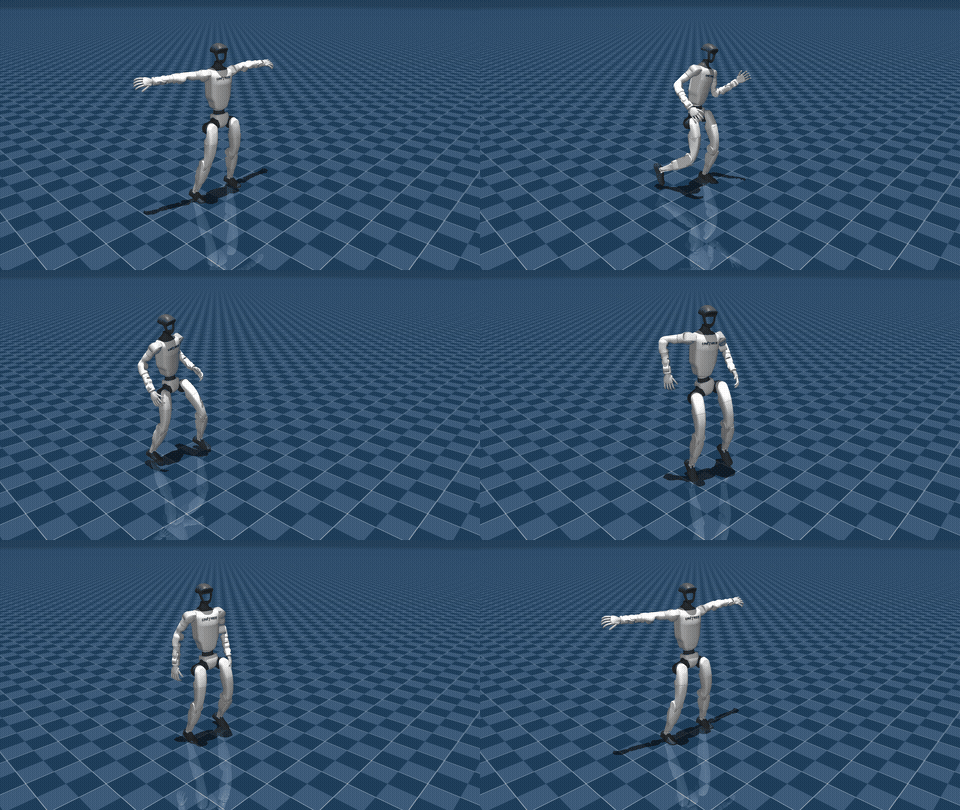 Sim |
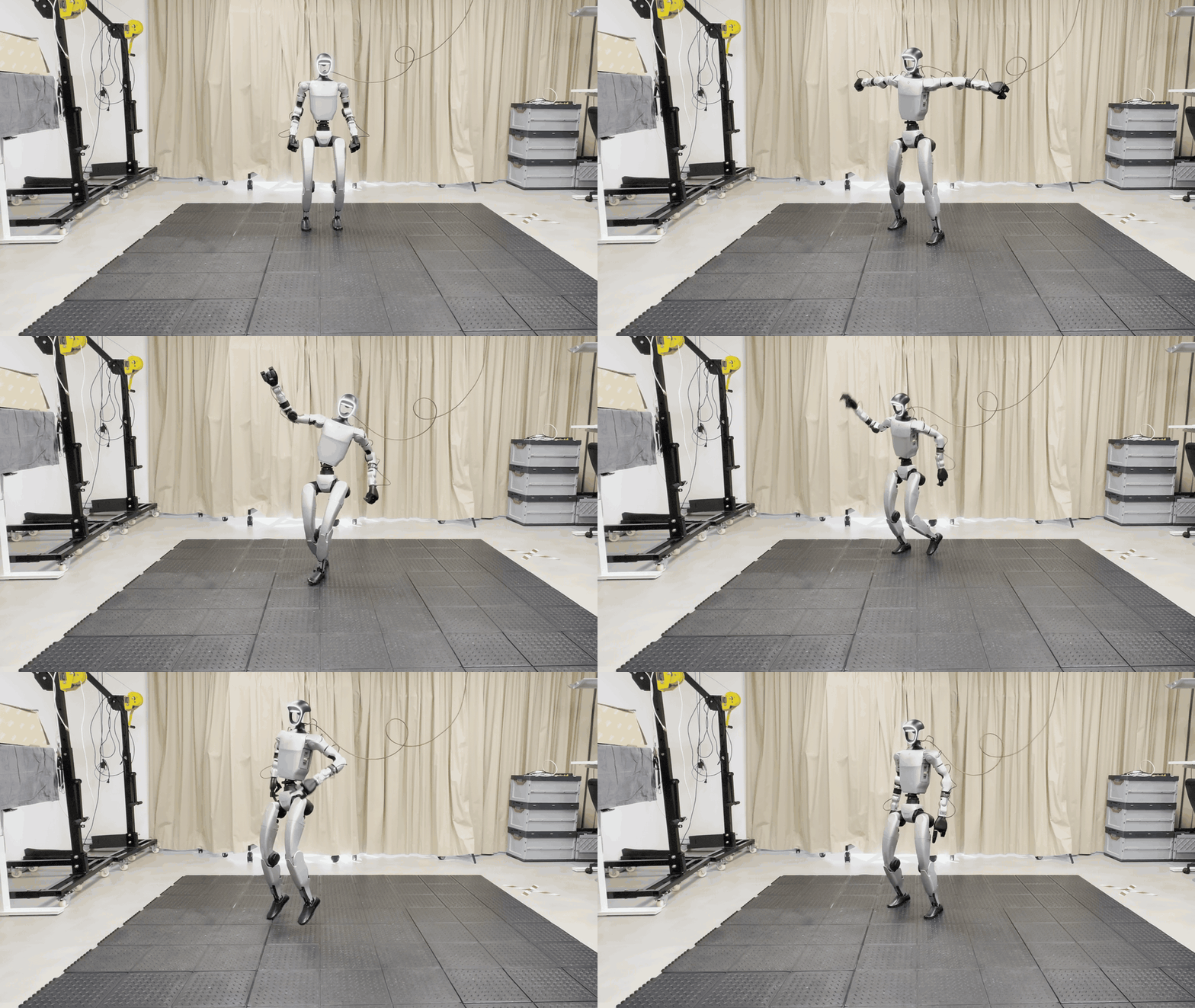 Real |
| Unitree G1 – Dancing | |
The robot learns to imitate whole-body reference motions (e.g., dancing) loaded from motion capture data. Unlike the modular lower/upper split used in locomotion tasks, this task uses unified full-body control over all 29 joints to track body positions, orientations, and velocities from a reference trajectory.
Task ID |
Robot |
Controlled Joints |
Commands |
Observations |
|---|---|---|---|---|
|
Unitree G1 |
Full body (29 joints) |
Motion tracking |
Single frame (no history) |
Key features:
No curriculum: Trains at full difficulty from the start, no harness, no reward ramps.
No recurrence or history: Pure reactive MLP policy operating on a single frame.
BeyondMimic actuator model: Uses system-identified motor parameters with no actuator delay.
Anchor-relative tracking: Rewards track body poses relative to a torso anchor, plus global anchor position and orientation.
Debug#
Category: debug/ | Behavior: Interactive visualization and debugging
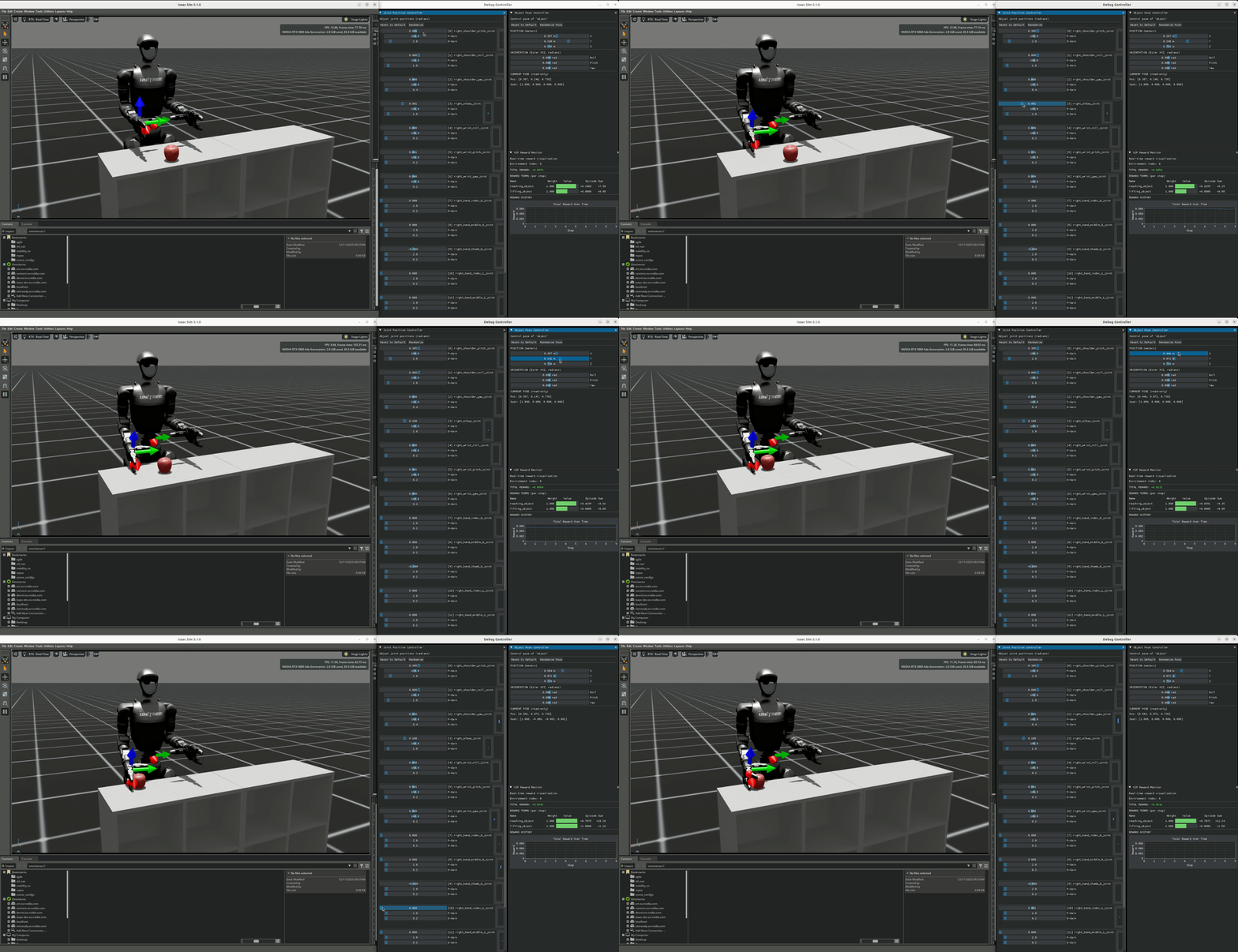
Special environments for debugging MDP terms, symmetry functions, and robot models. These are not trained – they provide GUI controls for manual inspection.
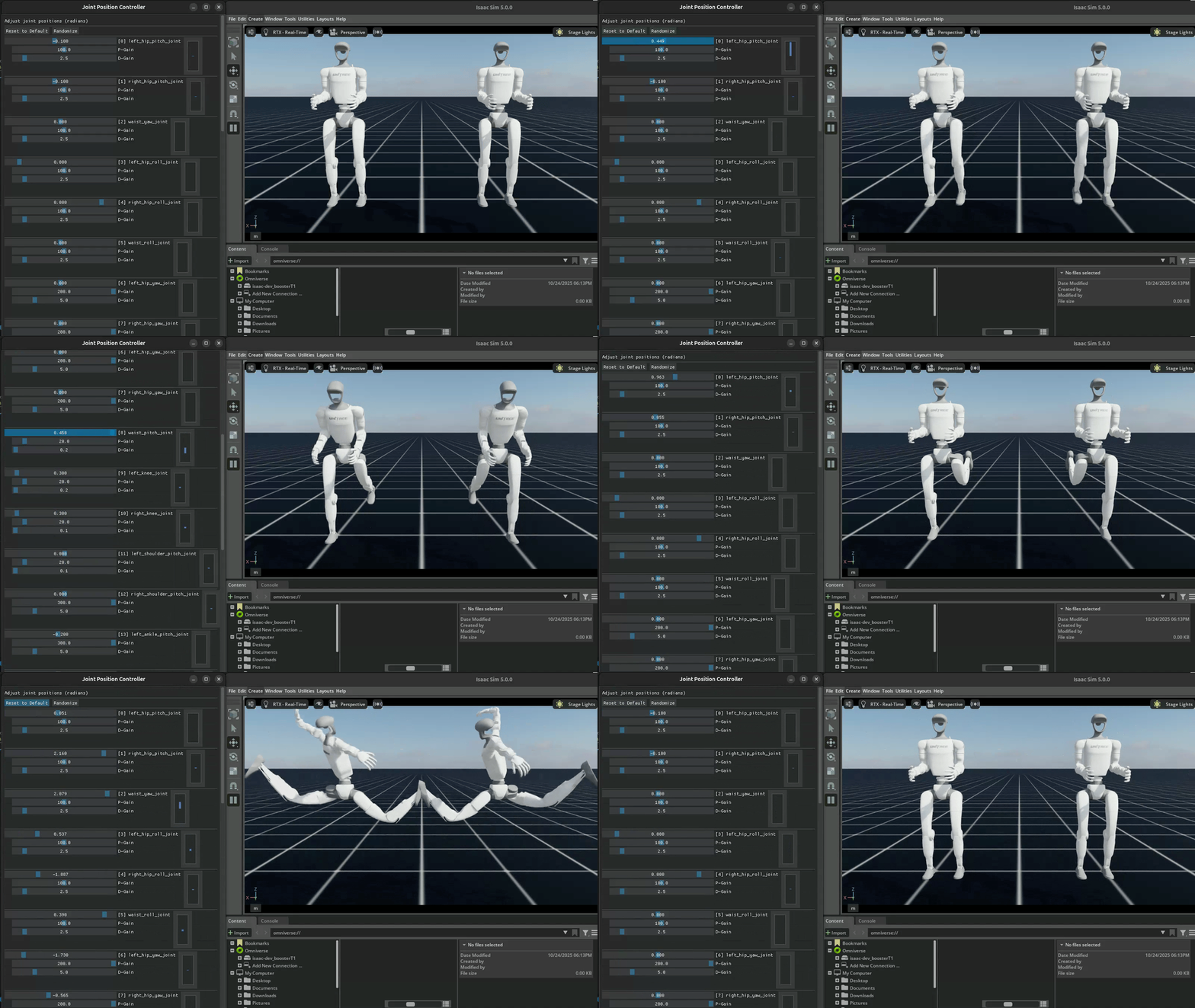 Joint Debug |
 Object Debug |
Task ID |
Robot |
Description |
|---|---|---|
|
Unitree G1 |
Joint debug with symmetry verification |
|
Booster T1 |
Joint debug with symmetry verification |
|
Unitree G1 |
Object interaction debug with reward visualizer |
Joint debug environments launch two floating robots with GUI controls. Actions are mirrored through symmetry functions between them, allowing visual verification that left-right mirroring is correct.
Object debug environments add interactive object pose control (position + rotation) and a real-time reward visualizer for monitoring individual reward terms.
# Run joint debug
uv run scripts/play.py --task Debug-G1-v0 --num_envs 2

# Run object interaction debug
uv run scripts/play.py --task Debug-G1-Object-v0
How Task Configs Compose MDP Components#
Each *_env_cfg.py file is a ManagerBasedRLEnvCfg dataclass that composes MDP components
through nested configuration classes. Here is the structure of a typical task config:
@configclass
class MySceneCfg(InteractiveSceneCfg):
    """Scene: terrain, robot, sensors, lights."""
    terrain = TerrainImporterCfg(...)
    robot = T1_DELAYED_DC_CFG.replace(prim_path="{ENV_REGEX_NS}/Robot")
    contact_forces = ContactSensorCfg(...)
    height_measurement_sensor = RayCasterCfg(...)

@configclass
class CommandsCfg:
    """Command generators (velocity, height, trajectories)."""
    base_velocity = UniformNullVelocityCommandCfg(...)

@configclass
class ActionsCfg:
    """Action spaces -- which joints the policy controls."""
    joint_pos = mdp.JointPositionActionCfg(
        asset_name="robot",
        joint_names=[".*_hip_.*", ".*_knee_.*", ".*_ankle_.*"],
        scale=0.25,
        use_default_offset=True,
    )

@configclass
class ObservationsCfg:
    """Observation groups (policy, critic, privileged)."""
    @configclass
    class PolicyCfg(ObsGroup):
        base_ang_vel = ObsTerm(func=mdp.base_ang_vel)
        projected_gravity = ObsTerm(func=mdp.projected_gravity)
        velocity_commands = ObsTerm(func=mdp.generated_commands, params={"command_name": "base_velocity"})
        joint_pos = ObsTerm(func=mdp.joint_pos_rel)
        joint_vel = ObsTerm(func=mdp.joint_vel_rel)
        actions = ObsTerm(func=mdp.last_action)

    policy: PolicyCfg = PolicyCfg()

@configclass
class RewardsCfg:
    """Reward terms with weights."""
    track_lin_vel = RewTerm(func=mdp.track_lin_vel_xy_yaw_frame_exp_weighted_simplified, weight=2.0, ...)
    track_ang_vel = RewTerm(func=mdp.track_ang_vel_z_world_exp_weighted_simplified, weight=1.0, ...)
    feet_slip = RewTerm(func=mdp.feet_slip, weight=-0.1, ...)
    action_rate = RewTerm(func=mdp.action_rate_l2, weight=-0.005)

@configclass
class TerminationsCfg:
    """Episode termination conditions."""
    time_out = DoneTerm(func=mdp.time_out, time_out=True)
    base_contact = DoneTerm(func=mdp.illegal_contact, ...)

@configclass
class EventsCfg:
    """Reset and randomization events."""
    reset_base = EventTerm(func=mdp.reset_root_state_uniform, ...)
    push_robot = EventTerm(func=mdp.push_by_setting_velocity, ...)

@configclass
class CurriculumCfg:
    """Curriculum schedules."""
    terrain_levels = CurrTerm(func=mdp.terrain_levels_vel, ...)

@configclass
class T1LowerVelocityEnvCfg(ManagerBasedRLEnvCfg):
    """Top-level config combining all components."""
    scene = MySceneCfg(num_envs=4096, env_spacing=2.5)
    commands = CommandsCfg()
    actions = ActionsCfg()
    observations = ObservationsCfg()
    rewards = RewardsCfg()
    terminations = TerminationsCfg()
    events = EventsCfg()
    curriculum = CurriculumCfg()
Adding a New Task#
Follow these steps to create a new task:
1. Create the directory structure#
tasks/<new_category>/<robot>/
├── __init__.py
├── <task_name>_env_cfg.py
└── agents/
    ├── __init__.py
    └── rsl_rl_ppo_cfg.py
2. Register the gym environment#
In <robot>/__init__.py:
import gymnasium as gym
from . import agents

gym.register(
    id="<TaskName>-<Robot>-v0",
    entry_point="isaaclab.envs:ManagerBasedRLEnv",
    disable_env_checker=True,
    kwargs={
        "env_cfg_entry_point": f"{__name__}.<task_name>_env_cfg:<ConfigClassName>",
        "rsl_rl_cfg_entry_point": f"{agents.__name__}.rsl_rl_ppo_cfg:<RunnerConfigClassName>",
    },
)
3. Import in parent __init__.py files#
In tasks/<new_category>/__init__.py:
from . import <robot>
In tasks/__init__.py, add your category to the imports.
4. Write the environment config#
Copy an existing env config (e.g., locomotion/t1/velocity_env_cfg.py) as a starting point
and modify all MDP components for your task. Remember: keep it self-contained.
5. Write the agent config#
Configure PPO hyperparameters in agents/rsl_rl_ppo_cfg.py, including network architecture
(MLP sizes, activation functions), learning rate, and batch size.
6. Test#
# Validate environment (no policy, sinusoidal test actions)
uv run scripts/play.py --task <TaskName>-<Robot>-v0 --num_envs 2

# Train
uv run scripts/train.py --task <TaskName>-<Robot>-v0 --num_envs 4096 --headless