

Deep Feature-based Reconstruction#
This example demonstrates how to integrate foundation-model features into an nvblox reconstruction.
Download an example SUN3D dataset by running the following command:
wget http://3dvision.princeton.edu/projects/2016/3DMatch/downloads/rgbd-datasets/sun3d-mit_76_studyroom-76-1studyroom2.zip
unzip sun3d-mit_76_studyroom-76-1studyroom2.zip
Launch the example by running:
python3 -m nvblox_torch.examples.reconstruction.sun3d \
    --dataset_path <PATH>/sun3d-mit_76_studyroom-76-1studyroom2/ \
    --deep_feature_mapping
The code for this example can be found at sun3d.py
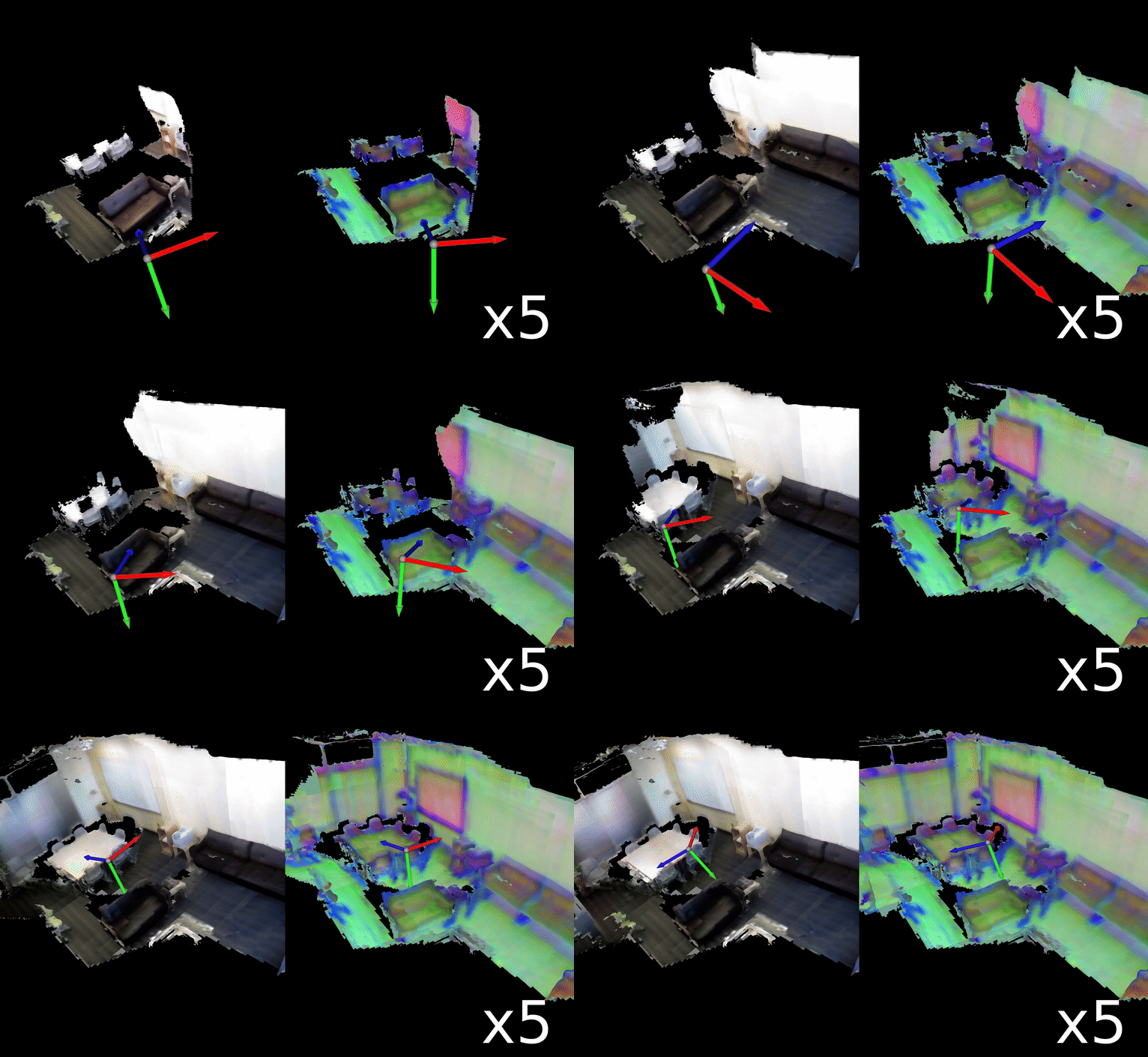
The result looks like below (the colors you see might be different due to the random nature of the PCA algorithm).
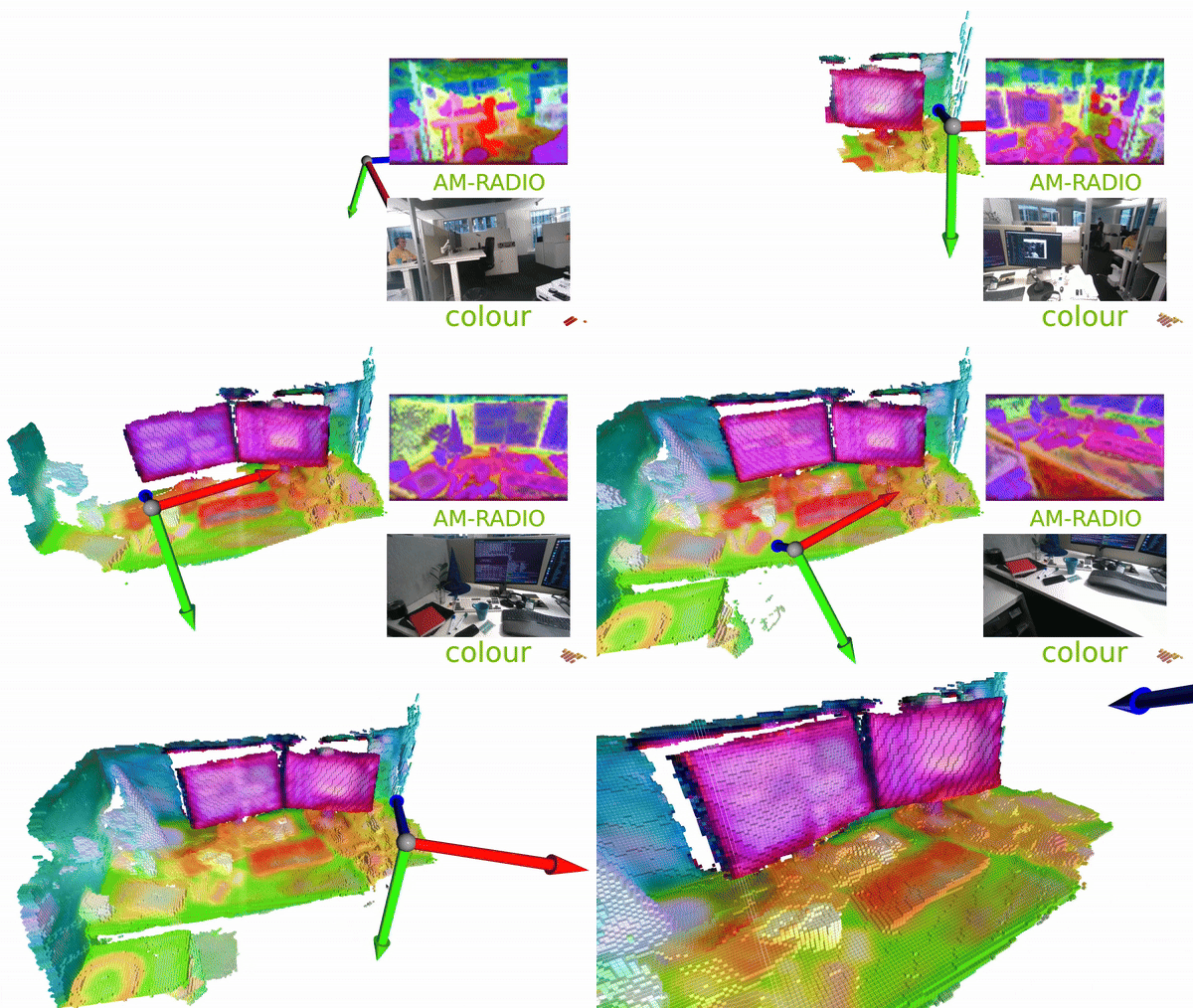
The same technique applied to a cluttered desk scene demonstrates how different objects receive distinct feature colorings:
Note
This example consumes >10Gb GPU memory. On weaker GPUs, GPU memory might be exhausted, and the application may crash as a result.
Details#
The example is an extension of reconstruction example. See that example for details on the reconstruction pipeline.
In this example we use AM-RADIO [1], an image foundation model to generate image features. First, we create an object to handle the generation of feature images.
feature_extractor = RadioFeatureExtractor()
Internally, this class loads the AM-RADIO model from torch.hub.
We then extract image features from an RGB image.
feature_frame = feature_extractor.compute(rgb=rgb)
nvblox_torch expects features to be of type float16 and contiguous in memory.
So we convert the features to this format and then add them to the reconstruction.
feature_frame = feature_frame.type(torch.float16).contiguous()
mapper.add_feature_frame(feature_frame, pose, intrinsics)
The features are stored in a FeatureLayer which is a VoxelLayer that stores a feature
for each voxel. To visualize the features we generate a FeatureMesh.
This is a mesh where each vertex stores a feature extracted from the voxel grid.
We generate the featurized mesh with:
mapper.update_feature_mesh()
feature_mesh = mapper.get_feature_mesh()
the resulting object feature_mesh stores vertices and per-vertex features on the GPU.
Each feature is a high-dimensional vector.
To turn this into a colorized mesh, which we need for visualization, we project
these to 3 dimensions, corresponding to the RGB channels, using PCA in the Visualizer.
visualizer.visualize(color_mesh=color_mesh, feature_mesh=feature_mesh, camera_pose=pose)